
SajagAI Platform
An end-to-end intelligent video surveillance ecosystem — built from the ground up, including a homebuilt embedded Linux CCTV system, on-premises AI inference, a cloud orchestration backend, a resident mobile app, and an integrated field workforce management system for closed-loop premise security.
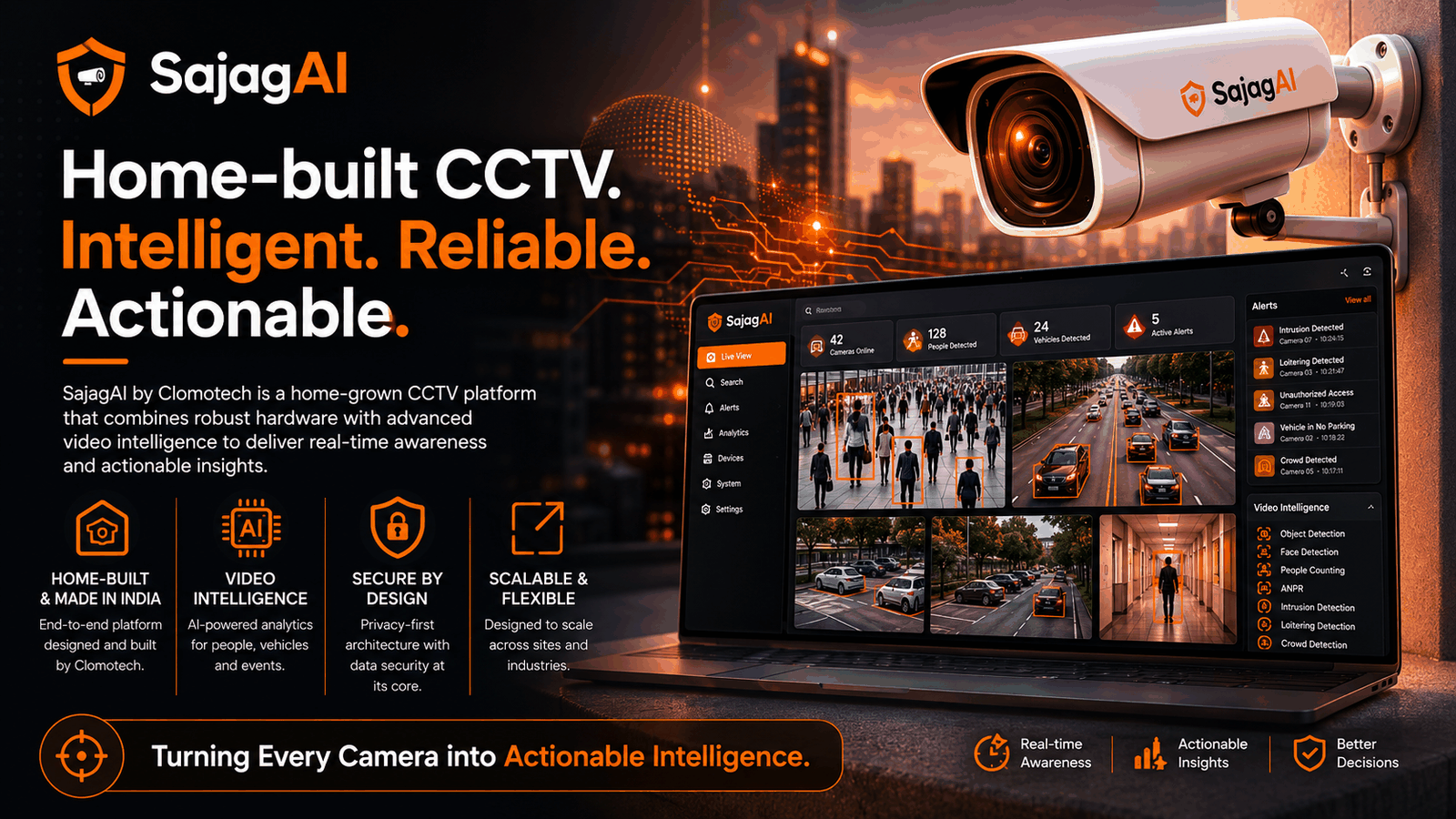
Security Intelligence for Managed Premises
Gated residential communities, society complexes, and managed commercial premises share a recurring problem: CCTV installations generate enormous volumes of footage, yet extracting actionable intelligence requires either expensive cloud processing or constant human monitoring — neither of which scales.
The platform needed to deliver on-site AI inference — intrusion detection, vehicle recognition, litter detection, wrong-parking alerts — without routing video feeds through the cloud. This eliminated bandwidth costs and data-sovereignty concerns. The AI event stream then needed to integrate with a resident-facing mobile app and a maintenance workflow system, creating a closed loop from detection to resolution.
At the hardware layer, the project required building the CCTV edge node from scratch — a completely indigenous system with a custom Linux image and a purpose-built camera management application, giving full control over the entire hardware and software stack.
"The AI has to run on-site. Residents won't accept video being sent to the cloud, and the bandwidth cost alone would kill the economics. The system has to think at the edge."
— Engineering BriefFive Integrated Systems
SajagAI is not a single product — it is an orchestrated ecosystem of five purpose-built systems that work in concert to manage a secured premise end to end.
CamVigil
Embedded Linux · Qt / C++ · Custom CCTV Node
A completely homebuilt camera management application running on a custom Linux image. Operates in two roles: the BaseStation (site manager with user interface) and the CVN (headless camera node). Multiple CVNs report to a single BaseStation, forming a site deployment. Each snap carries a unique embedded ID used to authenticate against the cloud backend.
- Custom Linux core image per device snap
- Unique device ID for secure cloud pairing
- Live footage display and clip management (BaseStation)
- Local footage archival on each CVN
- Camera health monitoring and aggregated reporting
AIEngine
Python · On-Premises Inference · Multi-Scenario
Runs all AI scenarios locally at the deployment site — eliminating cloud compute costs entirely. A core module executes the AI models; an outer layer manages incoming camera feeds from CVNs, coordinates reference data from the backend, collates results from parallel core instances, and dispatches events back to the backend.
- Multiple AI cores running in parallel
- Intrusion detection, vehicle recognition, litter detection
- Configurable fps per camera per scenario
- Base frame comparison for scene-aware detection
- AI event results pushed to SajagAI backend
SajagAI Backend
Cloud · REST API · Platform Orchestrator
The cloud brain of the platform. Manages all deployed sites, distributes camera-to-CVN assignments and AI scenario configurations to BaseStations, supplies AIEngines with reference data, and exposes APIs to connected systems — acting as the single source of truth for the entire ecosystem.
- Multi-site management and provisioning
- Camera topology distribution to BaseStations
- AI scenario and license enforcement per site
- Base frame / reference data supply to AIEngines
- Open API for boom barriers, BMS, and resident apps
AwaasIQ
.NET MAUI · iOS & Android · Resident App
The resident-facing mobile application for gated community management. Connects to the SajagAI backend for vehicle registration (enabling boom barrier access), maintenance complaint management, tenant and house-help onboarding, and community announcements — with automated complaint resolution via BMS integration.
- Vehicle registration → boom barrier whitelist
- Maintenance complaints → BMS tasks (auto-created)
- Tenant and house-help registration
- Community announcements and meeting notes
- Complaint status updated on BMS task completion
Workforce BMS
Windows Desktop + Mobile · Maintenance Operations
A field workforce management system integrated into SajagAI for dedicated on-site maintenance. Tasks are created automatically from resident complaints or AI-detected events (litter, wrong parking), allocated via a drag-and-drop supervisor console, and executed with in-app proof-of-work capture via a Task Tracker mobile app.
- Drag-and-drop task allocation board (supervisor)
- Auto-task creation from AI events and resident complaints
- Task Tracker mobile app for field workers (iOS & Android)
- In-app proof-of-work photo upload
- Task completion → complaint auto-resolved in AwaasIQ
How the Platform Connects
Every component has a precise role. The SajagAI backend acts as the orchestrator — distributing configuration, collecting telemetry, and routing events across all connected systems.
SajagAI Platform — End-to-End System Architecture
CamVigil — Dual-Role Architecture
Each CamVigil snap runs the same application in one of two modes, forming a hierarchical site deployment controlled entirely from the cloud.
CVN — CamVigil Node
The headless workhorse of the CCTV system. Each CVN connects to a defined set of cameras (specified via JSON received from the BaseStation), archives footage locally, monitors camera health, and — when an AIEngine is present on the local network — streams frames to it at the configured fps. The CVN has no display and operates fully autonomously once configured.
- Headless operation — no display required
- Camera set defined by JSON from BaseStation
- Local footage archival per node
- Camera health monitoring and reporting
- fps-controlled frame relay to AIEngine
- Unique snap ID for cloud backend pairing
BaseStation
The site manager and the only node with a display. It receives the full site topology from the SajagAI backend — which cameras belong to which CVNs — and distributes this as configuration JSON to each CVN. It aggregates health signals from all CVNs and reports them upstream. It also provides the site operator with a live multi-camera view, clip management, and settings interface.
- Receives site topology from SajagAI backend
- Distributes camera-to-CVN assignments via JSON
- Distributes AIEngine integration config to CVNs
- Aggregates and reports CVN health upstream
- Live multi-camera view and clip save UI
- One per site — identified by unique site ID
Each CamVigil snap is produced with a unique embedded device ID at build time. This ID is used to establish a secure, authenticated connection to the SajagAI backend — enabling zero-touch provisioning: install the hardware, connect it to the site network, and the backend automatically recognises and configures the device based on the site's pre-loaded topology.
Configurable Intelligence, License-Gated
AI scenarios are assigned per-camera, per-site, with time windows and frame-rate controls — and are only active if the site's license tier includes them.
Per-Camera Scenario Assignment
Each camera at a site can be individually enrolled into one or more AI scenarios. Cameras facing the boundary wall are configured for intrusion detection; cameras in the parking zone for wrong-parking detection and vehicle recognition. This granularity is configured in the Admin Portal and stored against the site's configuration in the backend.
Time-Window Scheduling
AI scenarios activate and deactivate on a configurable time schedule. Intrusion detection can be set to run only between 11 PM and 6 AM — the period when the boundary is unmonitored by security personnel. Outside these windows, no frames are forwarded to the AIEngine for those cameras, reducing on-device compute load to zero.
fps Control Per Scenario
The frame-rate at which the CVN relays footage to the AIEngine is configurable per scenario. A litter-detection scenario might run at 0.1 fps (one frame every 10 seconds), while a human intrusion scenario runs at 1 fps. The fps value is packed into the scenario configuration JSON distributed from BaseStation to each CVN.
Config Distribution Flow
The Admin Portal sends scenario configuration to the SajagAI backend. The backend forwards this to the site's BaseStation, which distributes it to the relevant CVNs and informs the AIEngine — via the same local network — of which cameras are active under which scenarios. The AIEngine then begins receiving frames from those CVNs at the configured rate.
License-Gated Activation
AI scenarios are gated by the license purchased by the site-owning entity — a residential welfare association, a builder, or a commercial property owner. The SajagAI backend enforces this at configuration time: scenarios that exceed the purchased license tier are not distributed to the site, regardless of admin-portal input.
Base Frame Supply
Some AI scenarios — particularly scene-delta analysis for litter or wrong-parking detection — operate against a reference frame for comparison. The SajagAI backend is responsible for supplying the AIEngine with up-to-date base frames. These are sent separately from the live camera feed and refreshed whenever a camera's field of view changes or a manual reset is triggered.
From Event Detection to Resolution
AwaasIQ and Workforce BMS close the loop between what the AI detects — or what residents report — and what the maintenance team actually does about it, with a full audit trail.
AwaasIQ is the resident-facing interface for gated community management. It connects to the SajagAI backend and provides a complete society management experience alongside security integration.
A maintenance complaint raised in AwaasIQ automatically creates a task in the Workforce BMS. When the supervisor resolves the BMS task, the complaint status in AwaasIQ updates automatically — providing residents with a full resolution trail without any manual coordination between teams.
Residents register their vehicles through AwaasIQ. The SajagAI backend maintains this whitelist and makes it available to the boom barrier via API — enabling seamless, automated gate access for registered vehicles without manual guard intervention at each entry.
Residents register tenants, domestic workers, and service visitors through the app. These records feed into access control logic and are available to the site security team — eliminating paper-based visitor management processes.
The workforce management module provides a dedicated, structured system for premises maintenance — with tasks sourced from three channels and executed by a field workforce with in-app proof of work and a full audit trail.
When the AIEngine detects litter, wrong parking, or other maintenance events, a task is automatically created in BMS with the detection details, camera reference, and timestamp — enabling proactive maintenance without waiting for a resident complaint to escalate.
The supervisor views the full task backlog — from AI detections, resident complaints, and manually created tasks — and drags tasks onto workers in a timeline view. Workers are immediately notified on their Task Tracker mobile app and receive full task details including location and description.
Field workers mark tasks in-progress, perform the work, photograph the result, upload the proof, and mark the task complete. The completion event triggers an automatic status update back to AwaasIQ — closing the loop with an auditable chain of actions and photographic evidence.
Built From Scratch to Cloud
Building intelligent premise security?
Whether it's edge AI, embedded systems, multi-system integration, or a full-stack surveillance platform — we've designed and deployed this in production.